

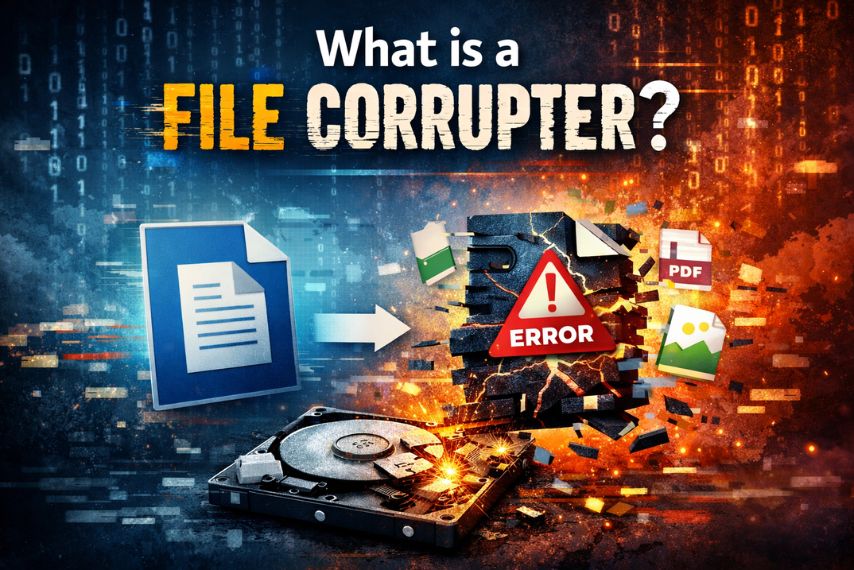
In today’s digital world, files move constantly between devices, applications, and cloud platforms. Documents, spreadsheets, presentations, PDFs, and media files are shared daily for work, education, and collaboration. While most people focus on keeping files safe and intact, there are legitimate scenarios where intentionally corrupting a file can be useful.
This is where a file corrupter tool comes into play. A file corrupter is a simple utility designed to intentionally modify or damage a file so that it cannot be opened or processed correctly by software applications.


Although it might sound unusual at first, the ability to corrupt a file intentionally can serve several practical purposes in testing, education, software development, and cybersecurity research.
In this article, we’ll explore what a file corrupter is, how it works, and the situations where intentionally corrupting a file may be useful.
Understanding File Corruption
File corruption occurs when the data inside a file becomes damaged or altered, preventing the software that created it from reading it correctly.
This can happen due to several reasons:
- Power failures during file saving
- Storage device errors
- Software crashes
- Network transfer interruptions
- Malware or system bugs
When a file becomes corrupted, you may see errors such as:
- “The file is damaged and cannot be opened”
- “File format is invalid”
- “The document is unreadable”
Normally, corrupted files are accidental. However, with a file corrupter tool, the corruption can be introduced intentionally.
What Is a File Corrupter?
A file corrupter is a tool or program that modifies the internal structure of a file so it becomes unreadable or unusable.
Instead of deleting the file, the tool changes small portions of the binary data. This makes the file appear normal at first glance but prevents software from processing it correctly.
Most file corrupter tools work by:
- Changing random bytes in the file
- Truncating part of the file data
- Rewriting the file header
- Injecting random characters
The result is a file that still exists but cannot be opened or validated.
Why Would Someone Intentionally Corrupt a File?
While accidental corruption is frustrating, intentional file corruption has several legitimate uses.
1. Software Testing
Developers often need corrupted files to test how their software handles errors.
For example:
- Does the application crash?
- Does it show a helpful error message?
- Can it detect damaged files?
Using a file corrupter, developers can simulate these scenarios and improve software reliability.
2. File Upload Validation Testing
Web applications frequently allow users to upload files.
Testing corrupted files helps developers verify:
- File validation systems
- Security filters
- Error handling
By intentionally corrupting a file, testers can ensure the system rejects invalid data safely.
3. Cybersecurity Research
Security researchers sometimes need corrupted files to test how systems respond to malformed inputs.
This helps identify:
- Vulnerabilities
- Buffer overflow issues
- Parser weaknesses
Using controlled corrupted files helps strengthen software security.
4. Educational Demonstrations
Teachers and IT trainers may use corrupted files to demonstrate:
- Data integrity concepts
- Error detection mechanisms
- Backup and recovery strategies
Students can see firsthand how file damage affects software behavior.
5. Testing Backup and Recovery Systems
Organizations often rely on backup systems to protect critical data.
Corrupting a file intentionally allows teams to test whether:
- Backup recovery works properly
- Integrity checks detect damaged files
- Monitoring systems trigger alerts
This ensures that recovery processes work when real problems occur.
How a File Corrupter Works
Most file corrupter tools follow a straightforward process.
- Upload or select a file
The user chooses a document or file they want to modify. - Apply corruption algorithm
The tool alters the internal binary data. - Download the corrupted file
The modified file can then be tested in different applications.
Some advanced tools allow users to control:
- Percentage of corruption
- Specific byte offsets
- File truncation size
This provides more flexibility for testing purposes.
Types of Files That Can Be Corrupted
A file corrupter can usually work with many file types, including:
- PDF files
- Microsoft Word documents (.docx)
- Excel spreadsheets (.xlsx)
- PowerPoint files (.pptx)
- Images (.jpg, .png)
- ZIP archives
- Text files
Because corruption occurs at the binary level, the tool does not need to understand the file’s internal structure.
Risks of Corrupting Files
Although corrupting files intentionally can be useful for testing, it should always be done carefully.
Important considerations include:
- Never corrupt original files – always use copies
- Do not upload sensitive data to online tools
- Use corruption only for testing or educational purposes
Corrupted files cannot usually be repaired easily, so protecting original data is essential.
Best Practices When Using a File Corrupter
If you need to corrupt a file for testing or demonstration purposes, follow these best practices:
- Work with duplicate files only
- Keep original backups safe
- Use controlled corruption levels
- Test in isolated environments
- Document your testing scenarios
These steps help ensure corruption is used safely and productively.
Final Thoughts
While file corruption is typically associated with data loss or technical problems, intentionally corrupting a file can be a valuable tool for developers, testers, educators, and security researchers.
A file corrupter provides a simple way to simulate damaged files and evaluate how systems respond to invalid data. Whether you’re testing software resilience, validating upload systems, or teaching data integrity concepts, the ability to corrupt a file intentionally can reveal important insights.
Used responsibly, file corruption tools help improve the robustness, reliability, and security of modern software systems.